

CutLabX
Рекомендуемое программное обеспечение Carverall для диодных и инфракрасных лазерных станков
Загружайте CutLabX, LightBurn, LaserGRBL и файлы для конкретных устройств из одного удобного центра.

Рекомендуемое программное обеспечение Carverall для диодных и инфракрасных лазерных станков

Профессиональное программное обеспечение для лазерной резки, предназначенное для пользователей, которым требуются расширенные функции компоновки, библиотеки материалов, инструменты камеры и контроль производства.

Используйте это поле для QR-кодов, примечаний по настройке мобильных устройств или ссылок для загрузки приложений для поддерживаемых аппаратов Carverall.

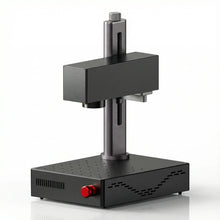
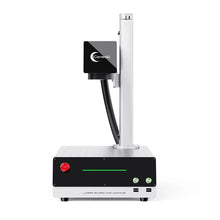
Professional laser software for fiber laser engraving machines.
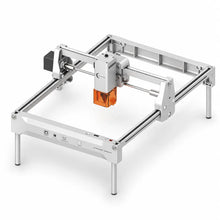
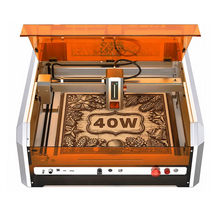
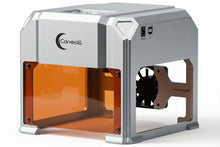
Совместимость с оборудованием
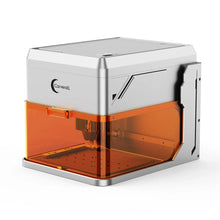
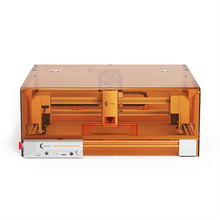
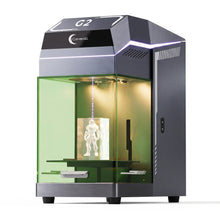
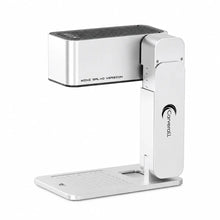
Software support
Quick solutions for common software installation and connection issues.
Check the Machine Compatibility table above first. CutLabX is recommended for supported Carverall diode, infrared and CO₂ machines. LightBurn supports many Carverall models, while EZCAD is intended for compatible Z12 fiber laser machines.
Make sure the machine is powered on and connected with a data-capable USB cable. Close any other laser software that may be using the connection, reconnect the cable, and restart the software. If the machine is still not detected, install the correct driver and try another USB port.
Download the driver listed for your machine or follow its user guide. Disconnect the machine, complete the driver installation, restart the computer, and then reconnect the machine. Avoid installing drivers from unofficial download websites.
Reconnect the machine and check the available ports again. On Windows, confirm that the device appears without a warning symbol in Device Manager. Close other programs that may be using the same port, then select the port that appears after the machine is connected.
Confirm that the correct machine profile, work origin and processing area are selected. Check the machine's safety status, emergency stop, cover or cooling system where applicable. Run a frame preview before starting and verify that power and speed settings are suitable for the material.
Confirm that the installer came from the official Carverall or software provider link. Then open System Settings, go to Privacy & Security, and use Open Anyway for the blocked application. You may need to enter your Mac administrator password.

Made for makers. Built for what comes next.


