

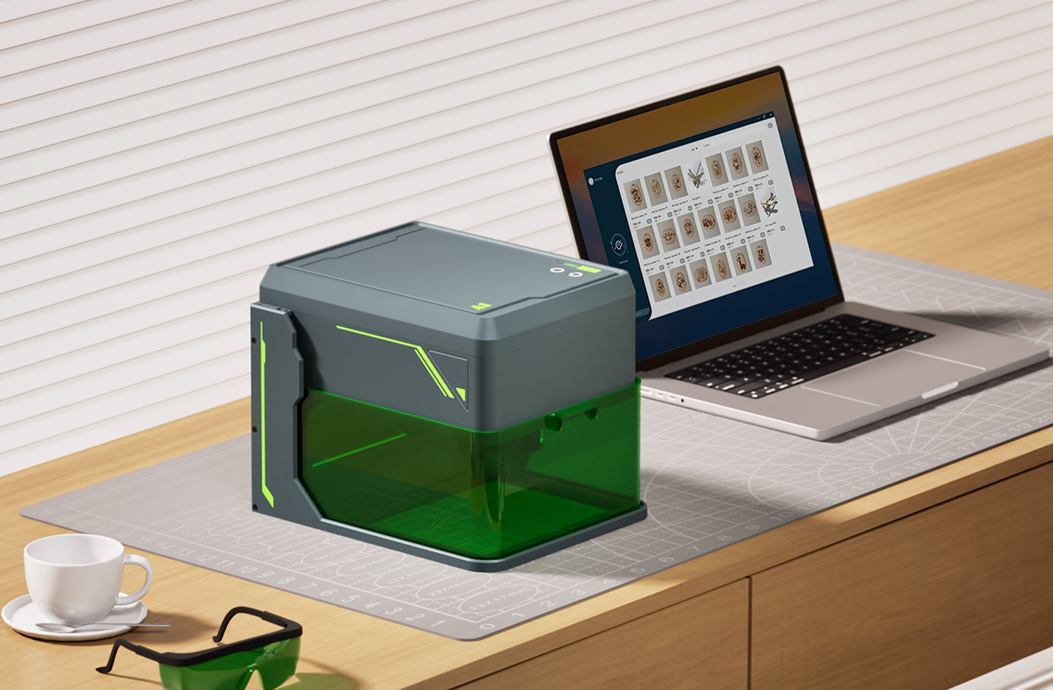
Whether you're a hobbyist, small business owner, or professional creator, choosing the right laser engraver can make all the difference in your creative workflow. With so many options available — blue diode lasers, infrared modules, UV systems, and Galvo setups — how do you pick the one that truly fits your needs?
Let’s break it down.
🎯 Step 1: Define Your Application Scenarios
Start by asking yourself:
-
Are you engraving wood, leather, or acrylic for craft projects?
-
Do you work with metal, plastic, or transparent materials?
-
Do you need speed and precision for mass production or portability for DIY projects?
Your material and usage will directly impact the type of laser that fits you best.
🔵 Option 1: Diode Lasers (5W / 10W)
Best for:
-
Makers & DIYers
-
Engraving on wood, leather, paper, plastic, and coated metal
Why choose it:
-
Compact and affordable
-
Easy to use and safe for home setups
-
Perfect for small workshops or personalized gift businesses
🔧 Our A1 model offers both 5W and 10W diode modules — simply swap based on your power needs.
🌫️ Option 2: Infrared Laser (1W IR Module)
Best for:
-
Workshop owners working with metal, ABS plastic, and PCBs
-
Jewelry engravers or small product customizers
Why choose it:
-
Excellent for fine details on dark or reflective surfaces
-
Works on materials that diode lasers can't mark effectively
-
Compact and precise, ideal for professional use
💡 With A1’s modular design, switching to the IR head takes seconds — no recalibration needed.
💡 Bonus: What About UV or Galvo Lasers?
If your focus is industrial-grade production, high-speed marking, or engraving transparent materials like glass or acrylic, then a UV Galvo system (like our G2 or Z3) might be a better fit. These machines are designed for:
-
Extremely high precision
-
Fast batch production
-
All-material compatibility
🧩 Still Not Sure? Here’s a Quick Match Chart:
| Use Case | Recommended Laser |
|---|---|
| Woodworking & Crafts | A1 with 10W Diode |
| Paper, Leather, Gifts | A1 with 5W Diode |
| Engraving Metal/Plastic | A1 with IR 1W Module |
| Mass Production (Small) | Z3 (Galvo Blue Diode) |
| Multi-material & Safety | G2 (UV Class 1 Enclosure) |
🛠️ Final Tip: Start Modular, Then Upgrade
If you're just getting started, a modular laser engraver like the CarverAll A1 gives you flexibility to test different materials and upgrade over time. You won’t need to buy a new machine — just swap the laser module to match your next project.
✉️ Need Help Choosing?
Reach out to our team — we love helping creators find the perfect fit.
📧 Support@carverall.com
🔗 Visit CarverAll.com for specs, tutorials, and more.


