
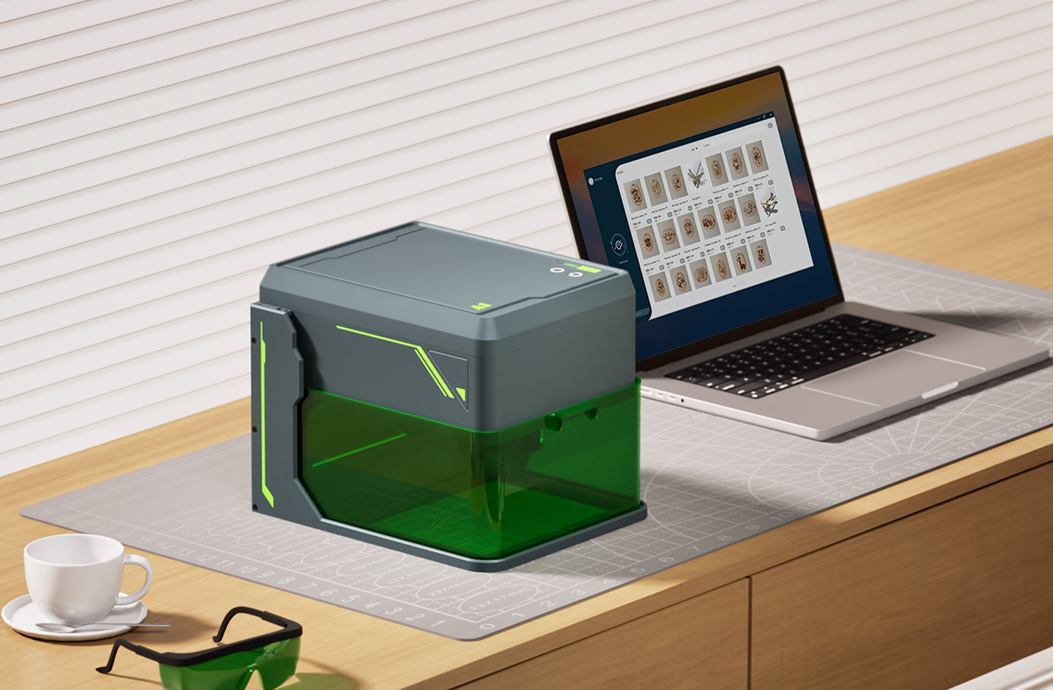
Che tu sia un hobbista, il proprietario di una piccola impresa o un creator professionista, scegliere l'incisore laser giusto può fare una grande differenza nel tuo flusso di lavoro creativo. Con laser a diodo, moduli infrarossi, sistemi UV, macchine CO2 e configurazioni galvo disponibili, la scelta migliore dipende da materiali, spazio di lavoro, budget e obiettivi di produzione.
Questa guida illustra i principali fattori da considerare prima di scegliere un incisore laser.
Step 1: definisci il tuo utilizzo principale
Inizia chiedendoti cosa prevedi di realizzare più spesso:
- Regali personalizzati, progetti artigianali e decorazioni per la casa
- Progetti in legno, pelle, carta, acrilico o tessuto
- Targhette metalliche, gioielli, utensili o marcatura industriale
- Marcatura su vetro, plastica, ceramica o materiali delicati
- Produzione in serie per una piccola impresa o un laboratorio
I tuoi materiali e il volume di produzione dovrebbero guidare il tipo di laser da scegliere.
Step 2: abbina il tipo di laser ai materiali
Incisori laser a diodo
Gli incisori laser a diodo sono compatti, accessibili e adatti ai principianti. Sono utili per legno, pelle, carta, acrilico scuro, metalli rivestiti e molti progetti DIY.
Ideali per: hobbisti, principianti, piccoli studi, regali personalizzati e lavori creativi da scrivania.
Moduli laser infrarossi
I moduli infrarossi vengono spesso usati per marcature più fini su metalli e plastiche selezionati. Possono essere un'aggiunta utile quando il tuo flusso di lavoro include sia materiali artigianali standard sia piccole attività di marcatura su metallo.
Ideali per: maker che hanno bisogno di maggiore flessibilità sui materiali in una configurazione compatta.
Incisori laser UV
I laser UV sono eccellenti per marcature pulite a basso calore su plastiche, vetro, ceramica, metalli rivestiti, pelle, carta e materiali delicati. Sono particolarmente utili quando contano dettagli fini e riduzione dei danni da calore.
Ideali per: marcatura di precisione, etichettatura prodotto, gusci elettronici, bicchieri, packaging e personalizzazione premium.
Incisori laser CO2
I laser CO2 sono ottime scelte per tagliare e incidere materiali non metallici come acrilico, legno, pelle, tessuto, carta, gomma e alcune plastiche.
Ideali per: insegne in acrilico, taglio del legno, packaging, produzione artigianale e progetti non metallici più grandi.
Incisori laser a fibra
I laser a fibra sono progettati per marcature e incisioni durevoli sui metalli. Sono comunemente usati per acciaio inox, alluminio, ottone, rame, utensili, gioielli ed etichette industriali.
Ideali per: marcatura dei metalli, incisione profonda, numeri di serie e applicazioni industriali ad alto contrasto.
Step 3: considera area di lavoro e dimensioni della macchina
Un'area di lavoro più ampia è utile per insegne, pannelli, lavori in serie e materiali artigianali più grandi. Una macchina compatta può essere migliore se lo spazio è limitato o se incidi soprattutto prodotti piccoli.
- Piccole macchine desktop: ideali per regali, targhette, piccoli accessori e spazi limitati.
- Aree di lavoro medie: utili per maker e piccoli negozi che necessitano di maggiore flessibilità.
- Macchine di grande formato: migliori per insegne, pannelli, dettagli di mobili e lavori di produzione.
Step 4: pensa a sicurezza e ventilazione
L'incisione laser può produrre fumo, vapori e luce laser intensa. Le funzioni di sicurezza sono importanti, soprattutto per studi domestici, scuole, appartamenti e piccoli laboratori.
- Usa una protezione oculare adeguata o una macchina chiusa quando opportuno.
- Mantieni ventilata l'area di lavoro.
- Non lasciare mai la macchina incustodita durante incisione o taglio.
- Usa air assist, pannelli honeycomb o accessori di filtrazione quando necessario.
- Testa i materiali sconosciuti prima della produzione completa.
Step 5: valuta software e flusso di lavoro
Un buon incisore laser dovrebbe adattarsi al tuo processo di design. Controlla se la macchina supporta il software e i formati file che prevedi di usare, come PNG, JPG, SVG, DXF, AI o flussi PDF.
Se sei nuovo nell'incisione laser, scegli un sistema con passaggi di configurazione chiari, tutorial pratici e controlli dei parametri semplici. Se hai esperienza, cerca opzioni di workflow più avanzate, elaborazione in batch e controllo preciso dei parametri.
Step 6: scegli in base agli obiettivi di business
Se prevedi di vendere prodotti incisi, pensa oltre alla macchina. Considera ripetibilità, velocità di produzione, costo dei materiali, accessori necessari e i tipi di prodotti che i tuoi clienti sono più propensi ad acquistare.
- Per regali in stile Etsy: legno, pelle, acrilico e accessori personalizzati sono ottimi punti di partenza.
- Per lavori di branding: cerca macchine che gestiscano bene loghi, codici QR, numeri di serie e lavori ripetuti.
- Per personalizzazione premium: i sistemi UV e a fibra possono essere migliori per dettagli fini, vetro, plastica e marcatura dei metalli.
- Per progetti di taglio: configurazioni CO2 o a diodo più potenti possono essere più adatte in base allo spessore del materiale.
Guida rapida alla scelta
| Esigenza | Tipo di laser consigliato |
|---|---|
| Progetti e regali per principianti | Laser a diodo |
| Legno, pelle, carta e acrilico scuro | Laser a diodo o CO2 |
| Taglio acrilico e insegne | Laser CO2 |
| Vetro, plastica e marcatura delicata | Laser UV |
| Marcatura dei metalli e incisione profonda | Laser a fibra |
| Workflow compatto multi-materiale | Diodo con modulo infrarosso, oppure UV in base ai materiali |
Considerazioni finali
L'incisore laser giusto è quello che corrisponde ai materiali che usi più spesso e al tuo flusso di lavoro reale. Parti dai prodotti che vuoi realizzare, poi scegli tipo di laser, area di lavoro, sicurezza ed esperienza software che supportano questi obiettivi.
Se non sei sicuro, inizia dai materiali che prevedi di incidere più spesso. Questa singola decisione di solito ti indirizza verso la categoria di macchina corretta.


